How to Book Package sessions:
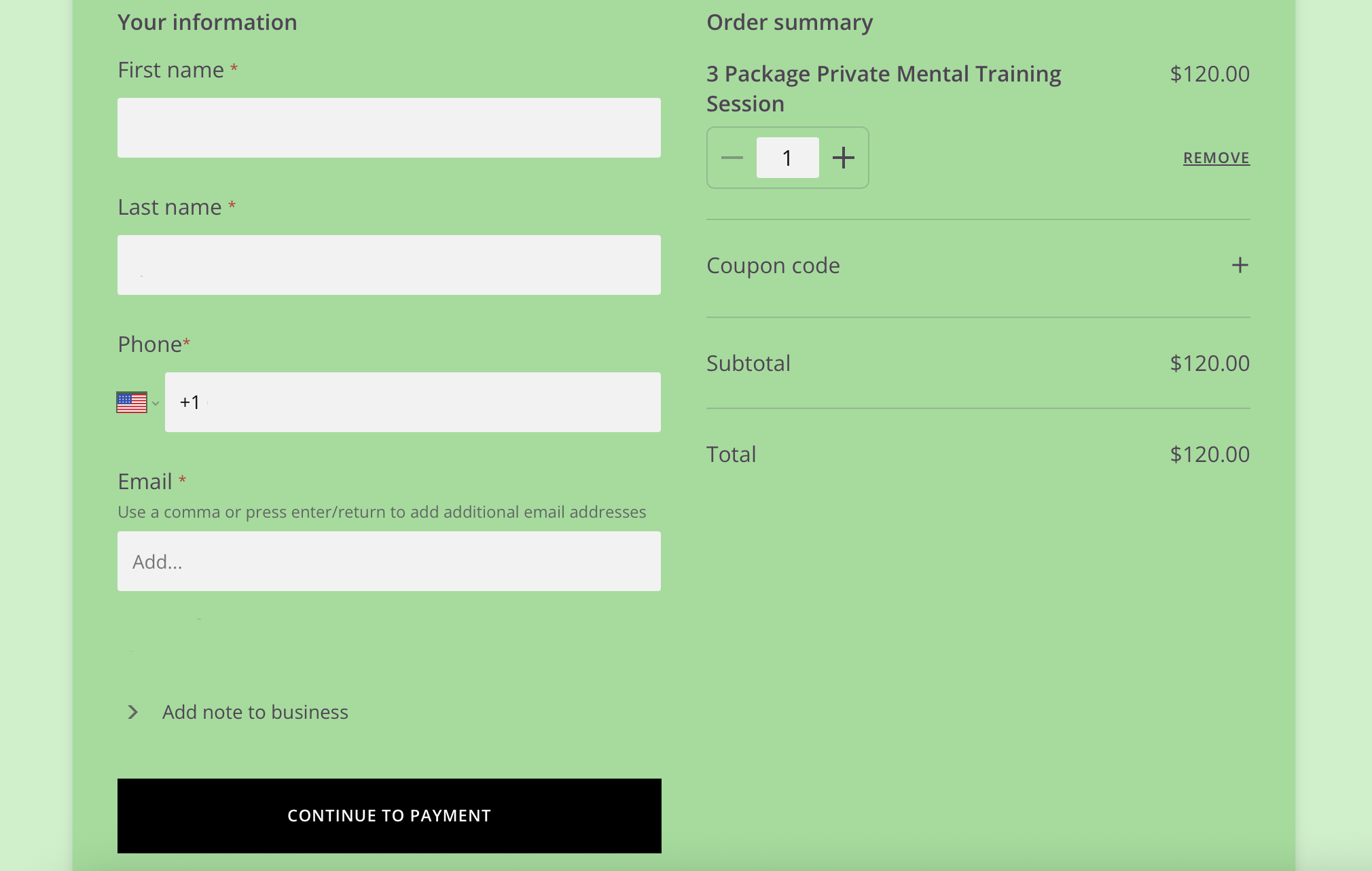
Select the package you are wanting to your cart and go to checkout. Enter your information and purchase the package.
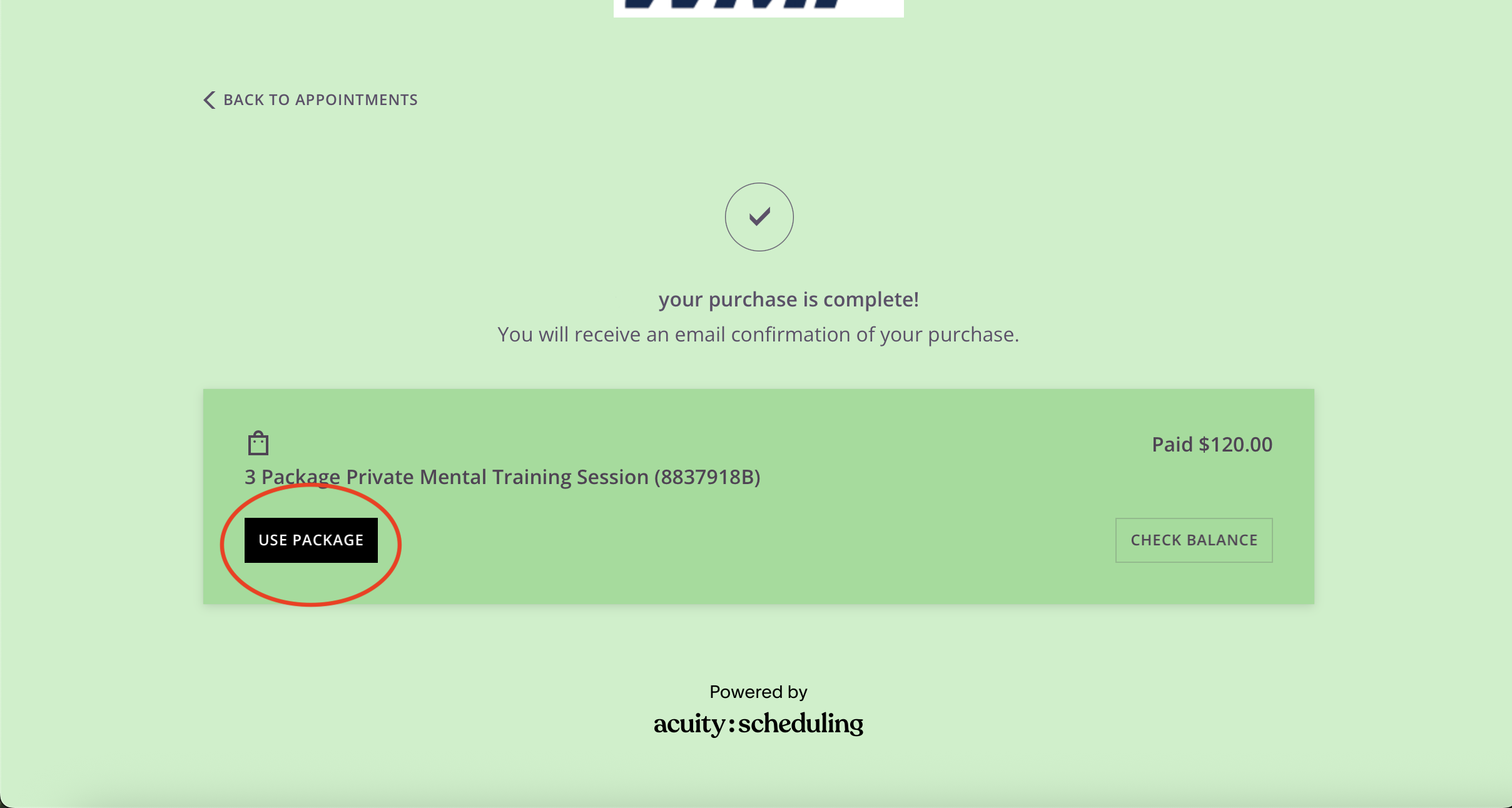
2. After you purchase the package, you will be taken to this page. Click on “USE PACKAGE”
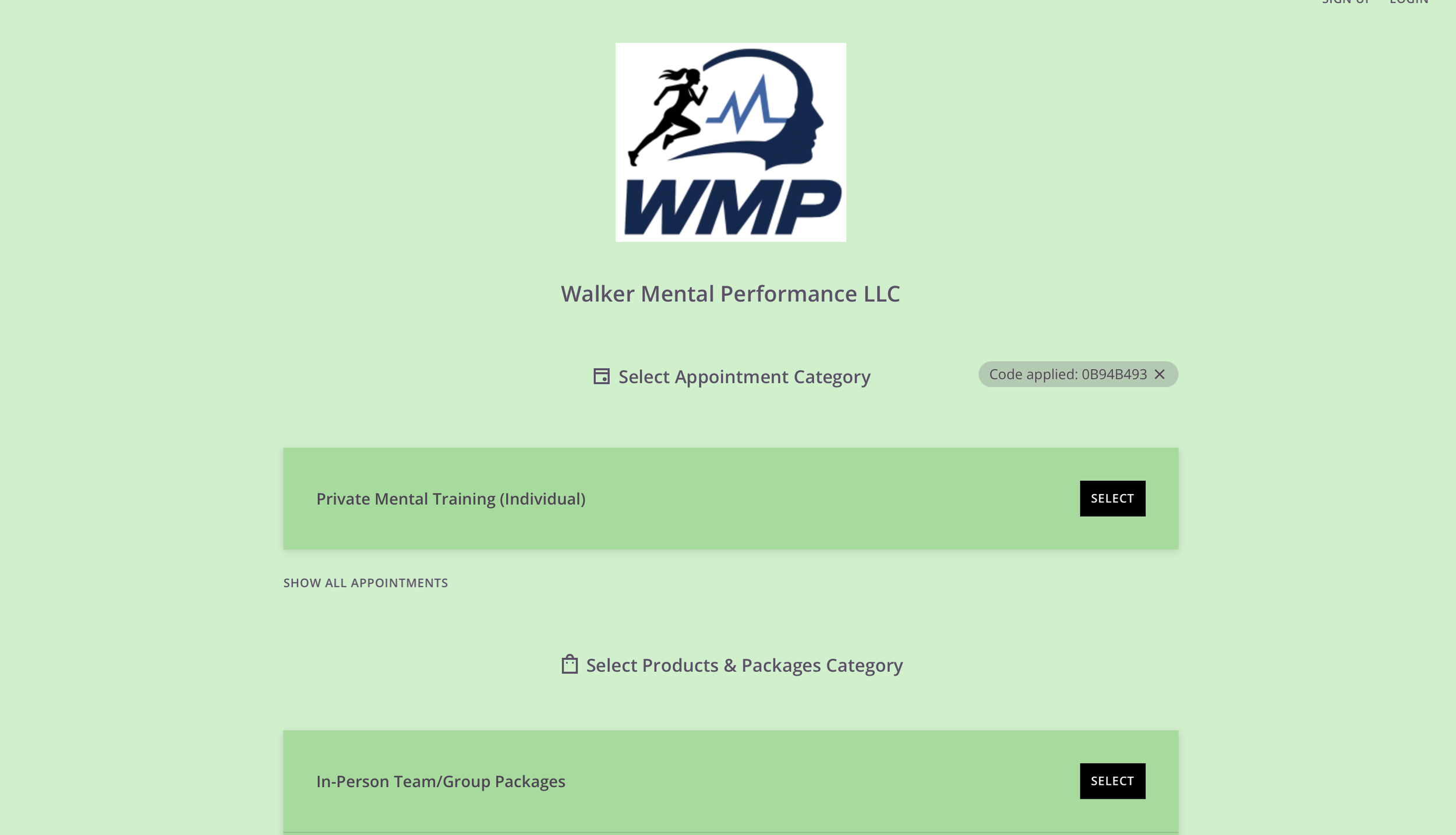
3. Select the Appointment category that matches the package you purchased. You will also receive a Package code that is important to save.
For example, I have purchased the 3 Package Private Mental Training Session, so I would click on the “Private Mental Training (Individual)” appointment to continue.
4. Based on the package amount (3 or 6 sessions) select the dates and times by selecting a date and clicking “Select and add another time” to keep adding. If you aren’t sure of dates and times yet, keep the package code and you can redeem at a later time, without losing any sessions you purchased.
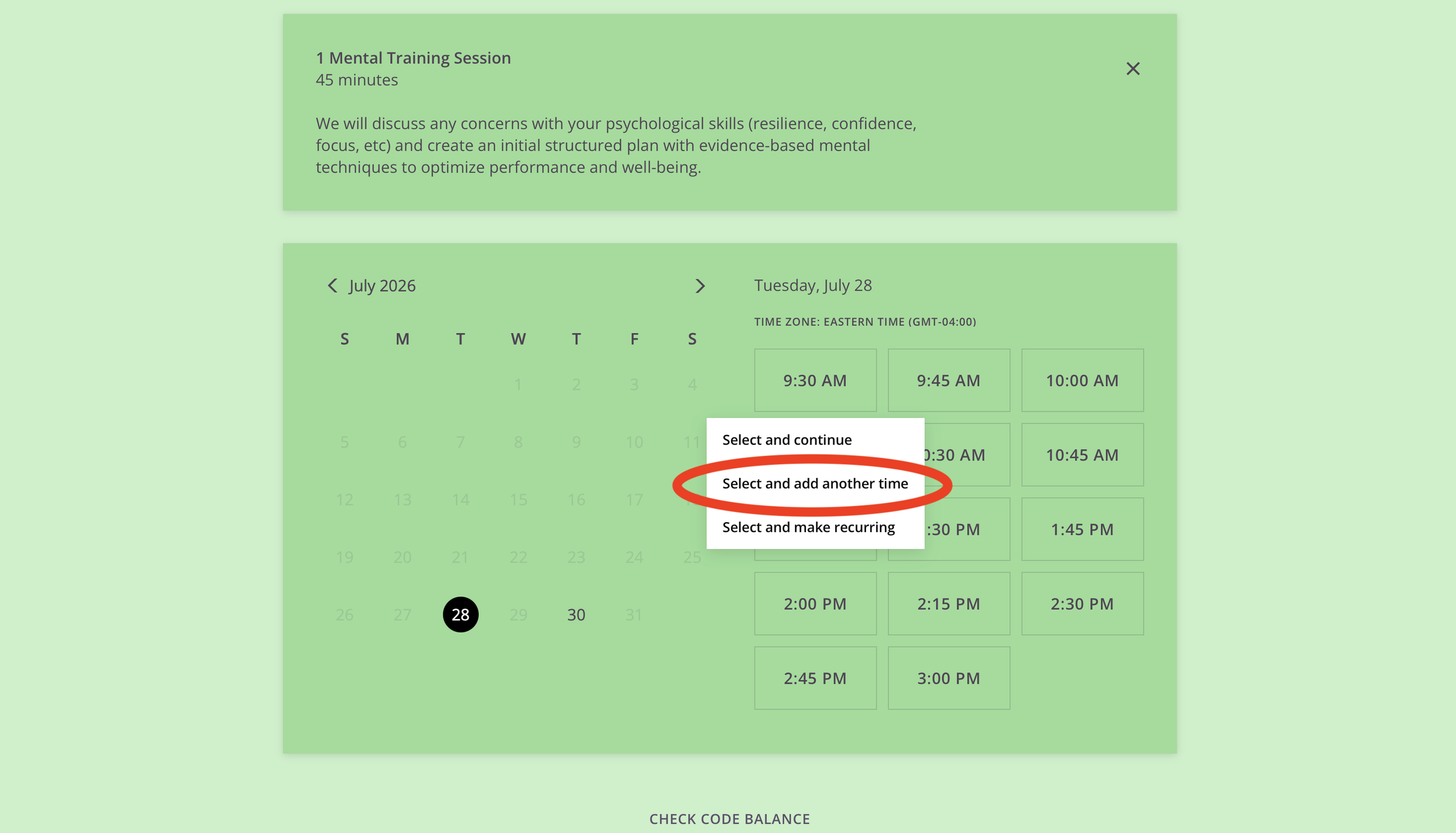
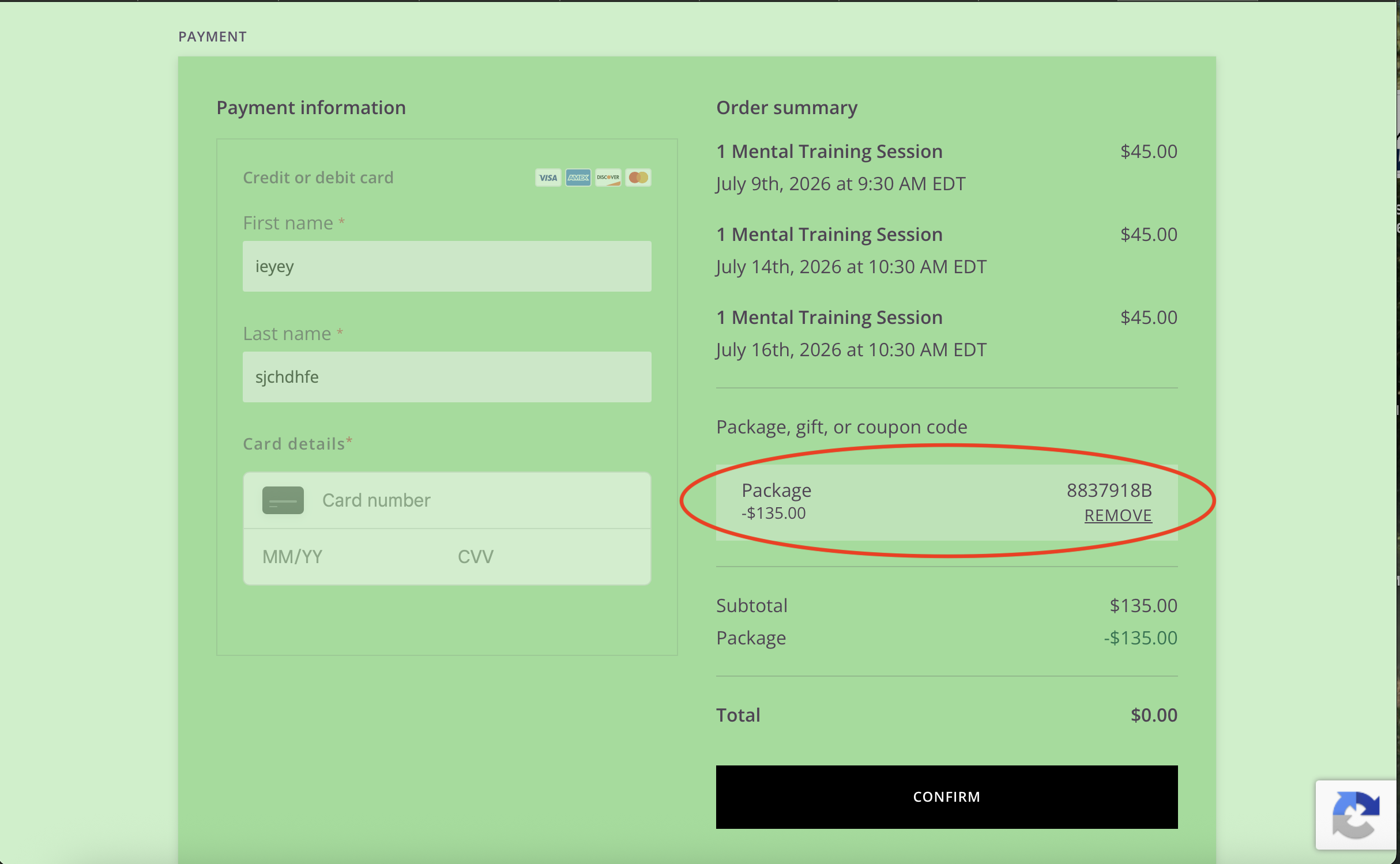
5. After selecting times and dates, you will checkout again to confirm those dates and the Package Code will be applied automatically, ensuring that you won’t have to make any extra purchases.
If you are having any troubles with this, please reach out to Emily at Emily.Walker0@outlook.com.